


Mathematics tutor
Academic subjects
Illustrative tutor
✦Every learner, a world of possibility.
School subjects, online lessons, and personal interests. Choose your tutor, schedule, and budget with Eduica.
Different learning stages. One place to grow.
Every way of learning deserves a companion.
Find the approach that suits you. These campaign portraits illustrate the tutor discovery experience.
Academic subjects
Illustrative tutor
Language learning
Illustrative tutor
Explore your interests
Illustrative tutorExplore tutor profiles and choose your next step in Eduica.
Meet EduicaSwipe the cards and tap to meet your tutor
You have met the tutors. Now find the right fit for you.
Explore your learning needs, tutor profiles, availability, and fees before booking.
Choose your subject, level, curriculum, and preferred way to learn.
Explore education, experience, introduction videos, and tutor reviews.
Check available slots and fit learning around your daily activities.
Check the tutor rate and available booking breakdown before confirming.
The right tutor, with a way of learning you choose.
At home, online, or through the things you love doing.
Find tutors serving your learning area and preferred schedule.
Book an online lesson and open the meeting link from your booking details.
Sports, arts, religious learning, and skills offered by available instructors.
All your learning choices, together in one app.
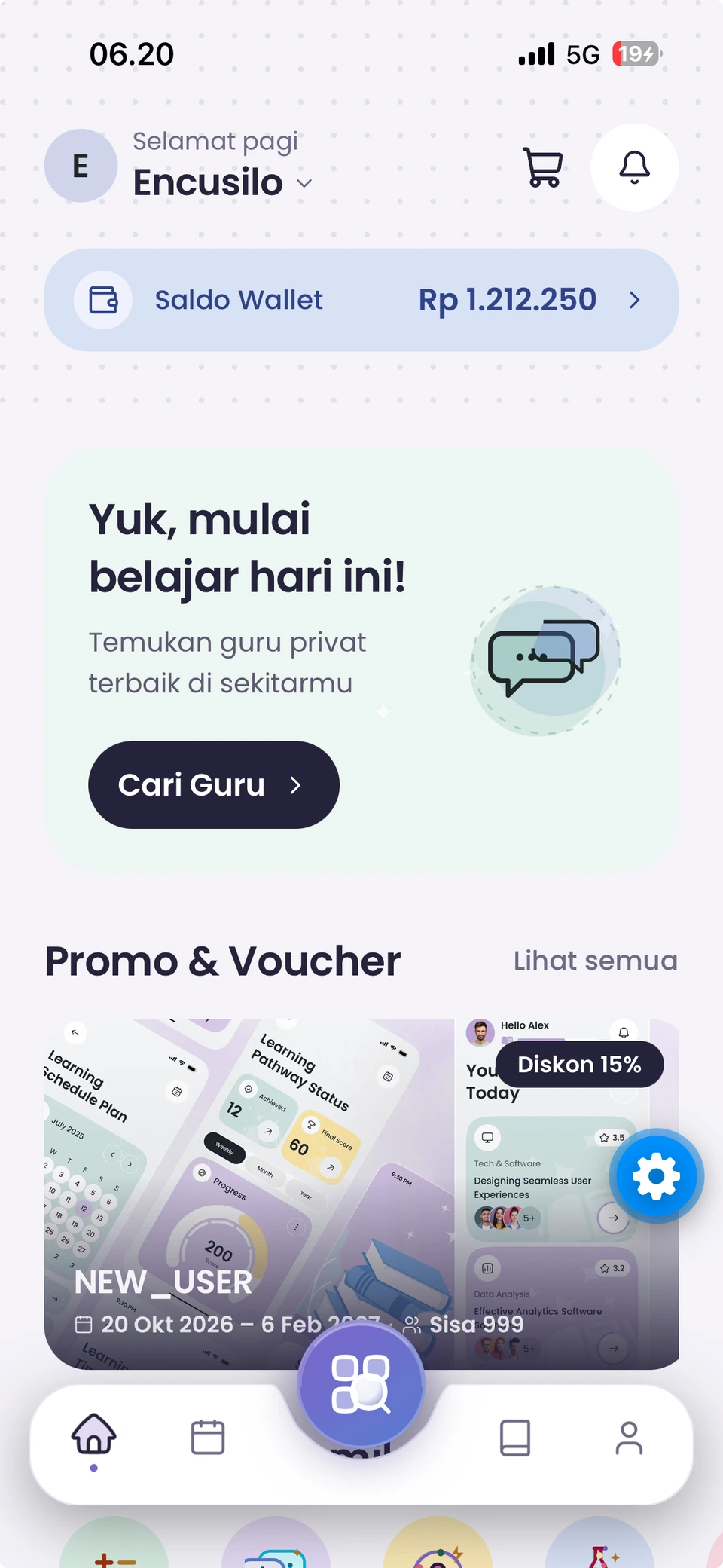
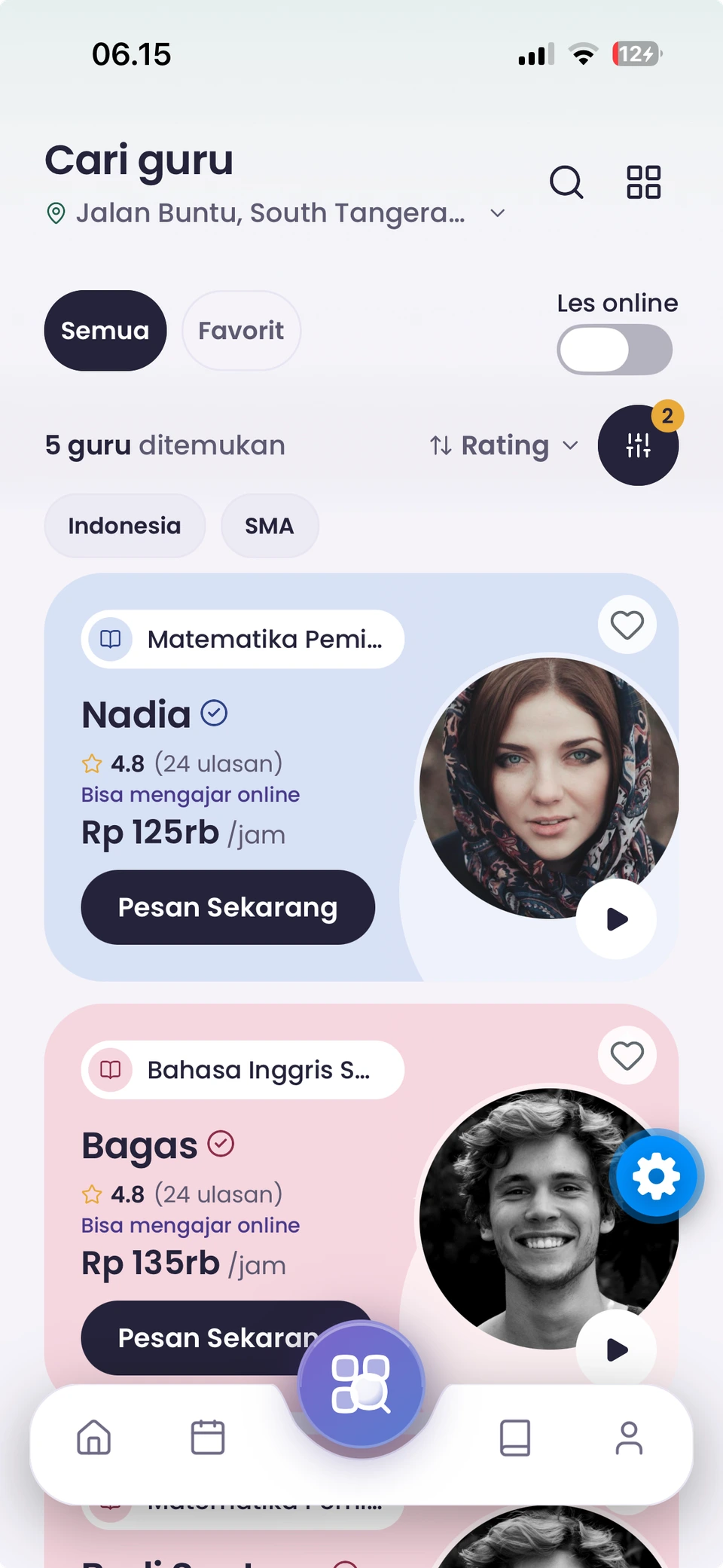
Actual Eduica student app screens. Scroll through home, tutors, schedule, wallet, and interests. On-screen data is illustrative.
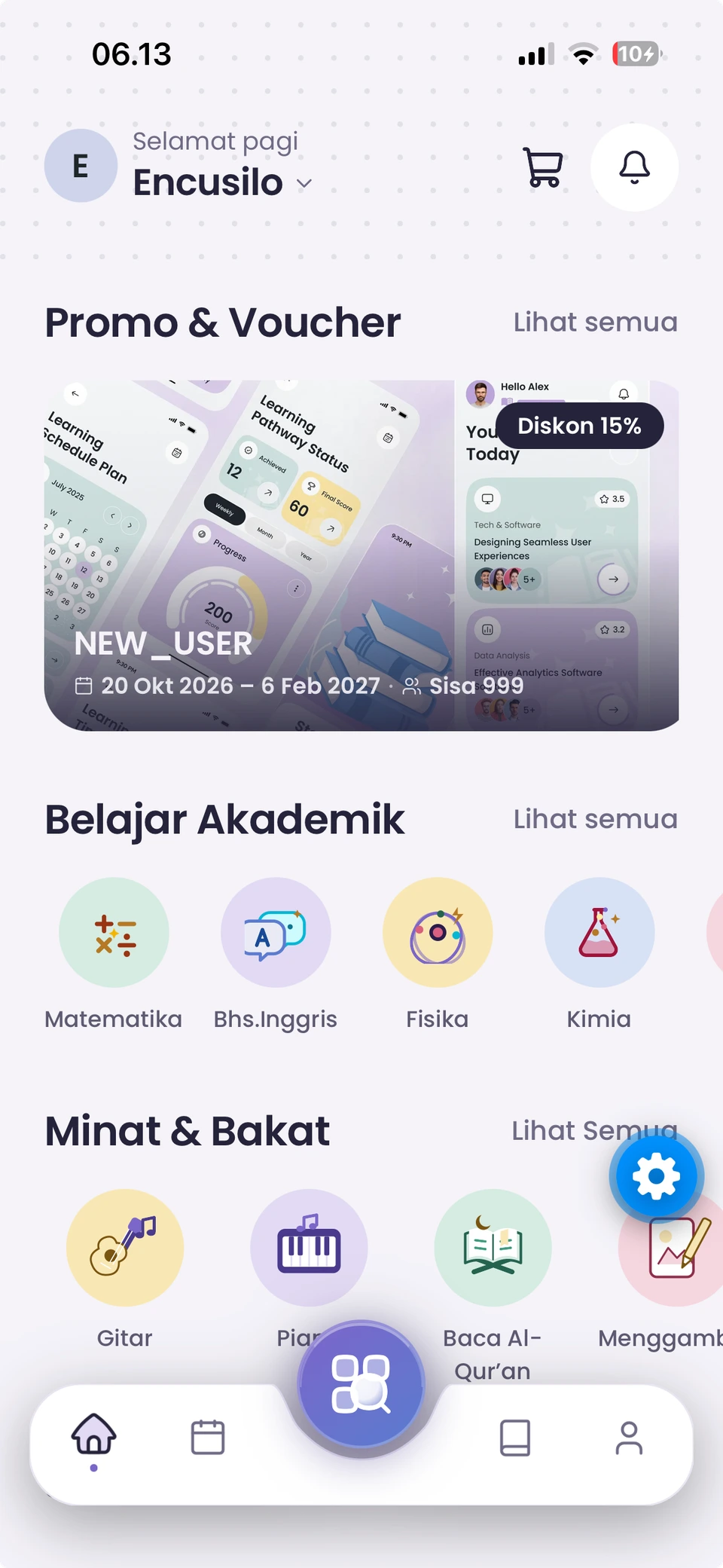
Find a tutor, check your wallet balance, and explore promotions from the student home screen.
Filter by subject, school level, and learning mode. Compare profiles and rates before choosing.
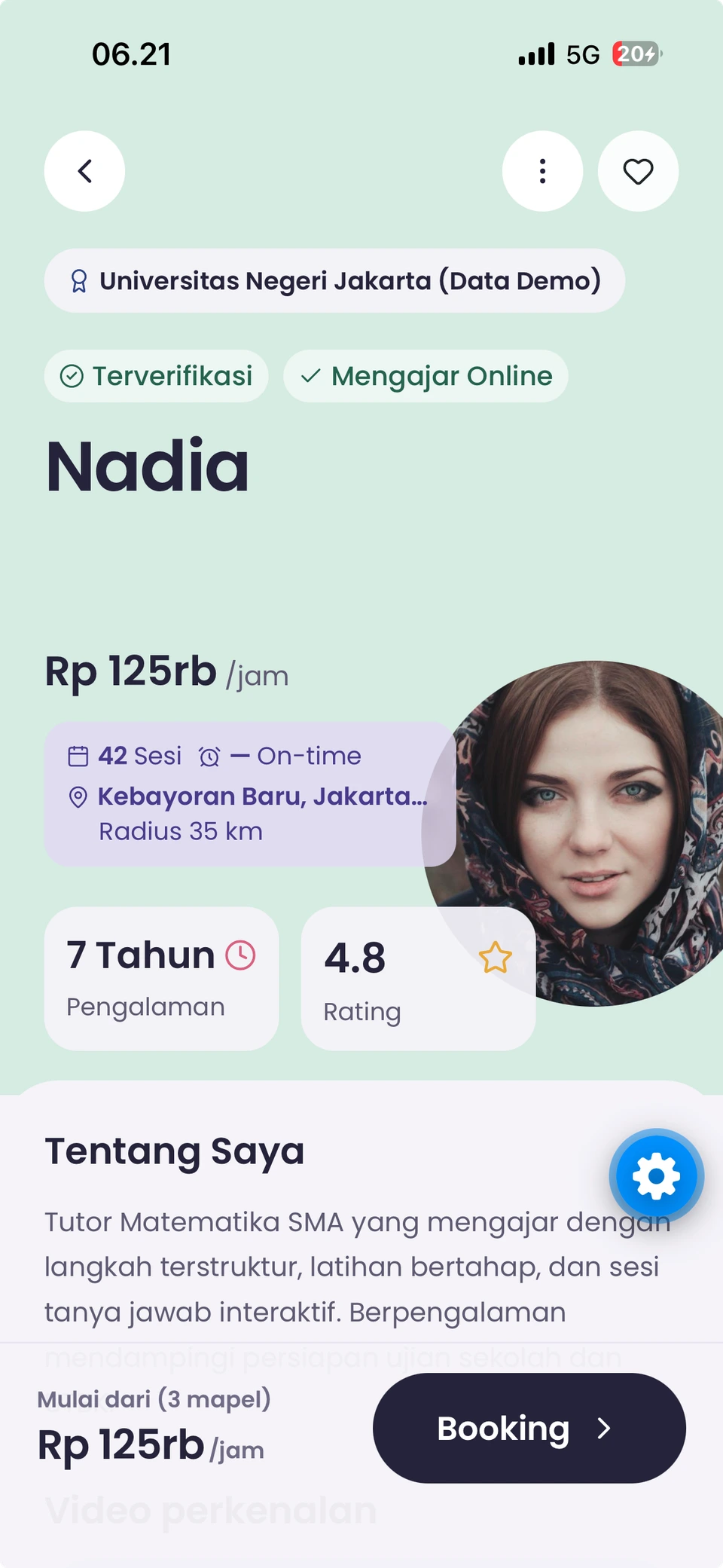
Review education, experience, ratings, and hourly rates. This example profile is labelled Data Demo.
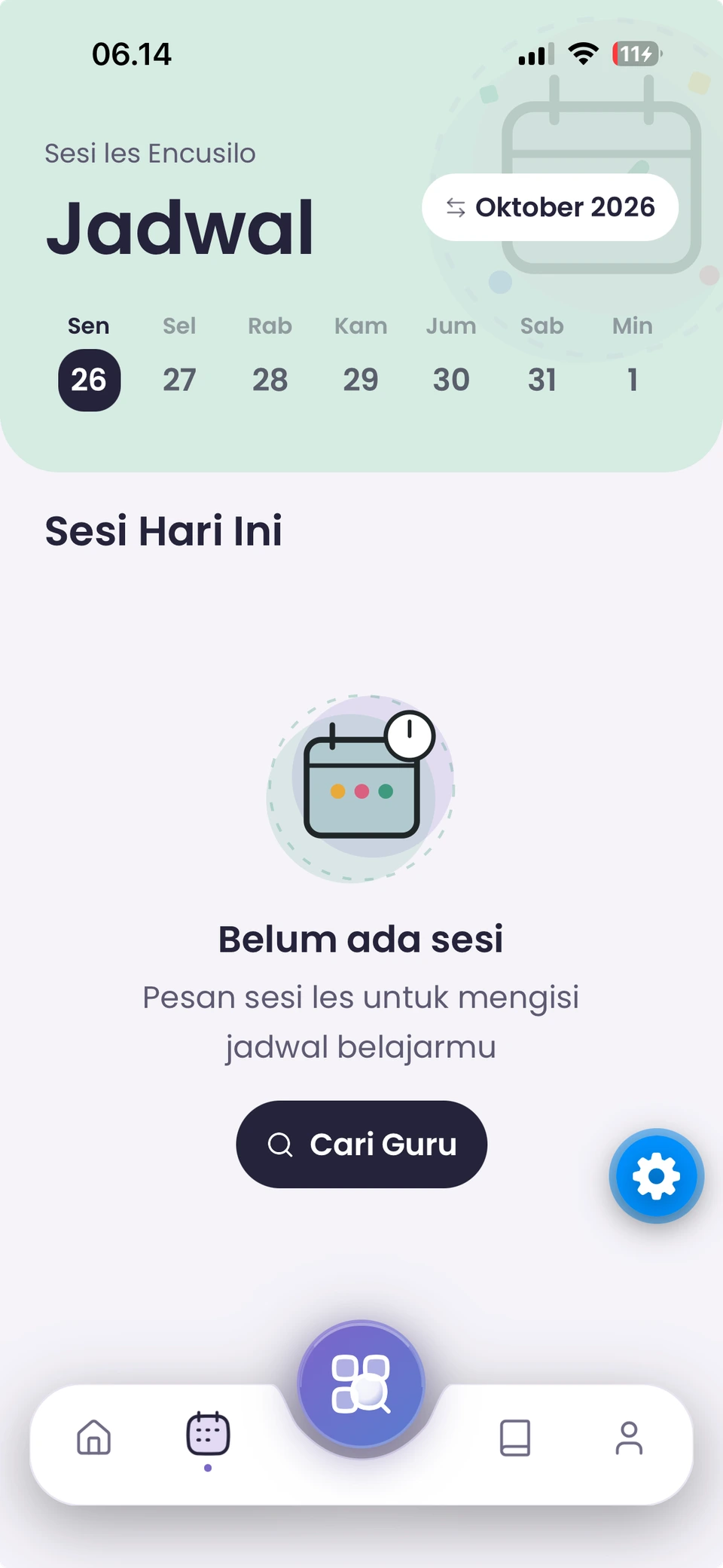
View booked sessions in your student schedule. This example shows a schedule with no sessions yet.
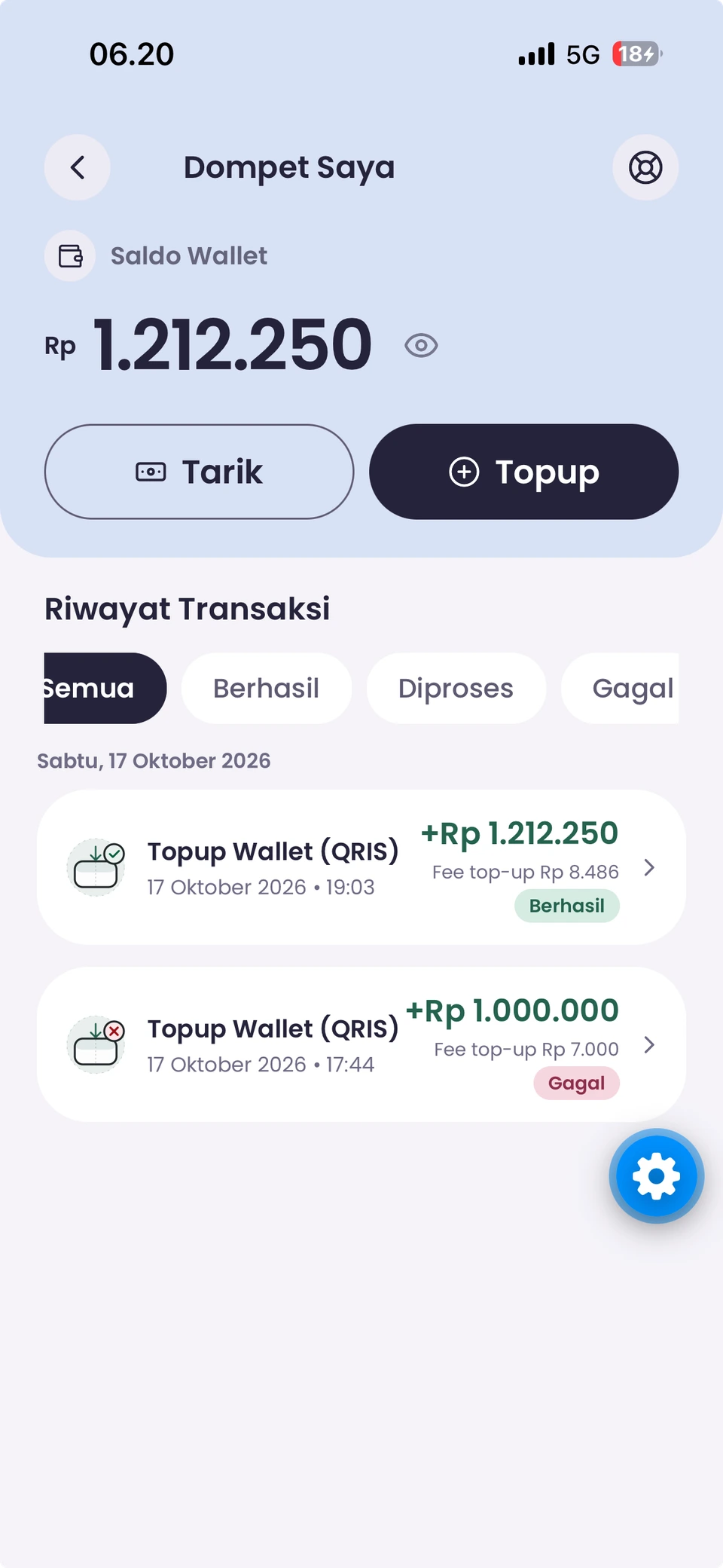
Check your balance, access top-ups, and review transaction statuses. The amounts shown are examples.
Explore academic subjects and interests, including guitar, piano, drawing, and reading the Quran.
Actual student app screens with demonstration data. Enable CC for an explanation of each screen.
Ready to give it a go? Take your first step.
Choose your needs, arrange a time, and review the details before confirming.
Download Eduica using the official Android or iOS links.
Set up the student, learning level, and relevant curriculum.
Read their profile, select a service, and choose your learning schedule.
Check your booking details and available payment options.
Follow your booking, attend your lesson, and share your experience.
Your next learning chapter begins in Eduica.
Get Eduica on your device and start planning your way of learning.