
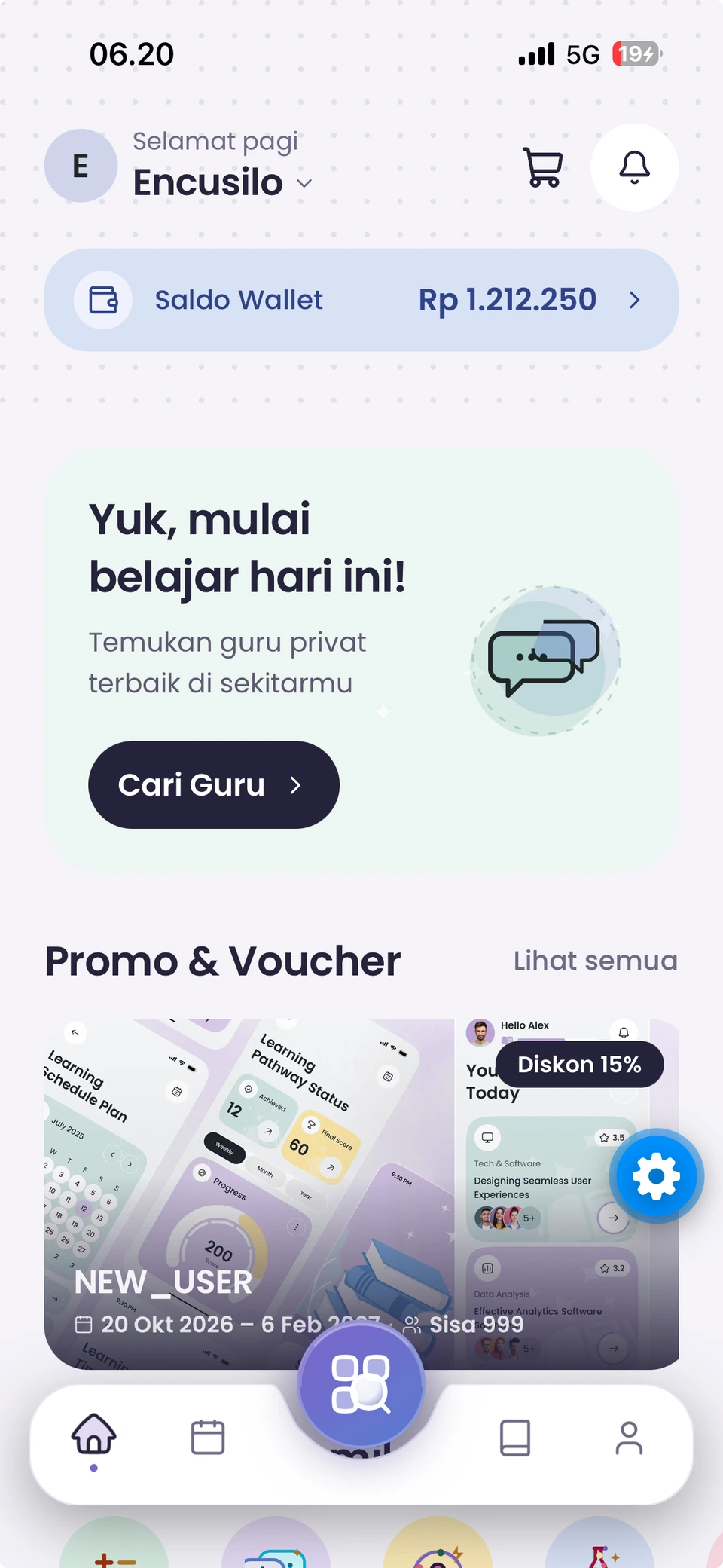

Take the first step
✦From wanting to learn, to getting started.

Your chosen tutor is a few steps away.

Choose your needs, arrange a time, and review the details before confirming.

  1. 01

    Get the app

    Download Eduica using the official Android or iOS links.

  2. 02

    Create a learner profile

    Set up the student, learning level, and relevant curriculum.

  3. 03

    Choose a tutor and a time

    Read their profile, select a service, and choose your learning schedule.

  4. 04

    Review and confirm

    Check your booking details and available payment options.

  5. 05

    Start your learning journey

    Follow your booking, attend your lesson, and share your experience.

Before you begin, find the answers you need.

✦Wondering about something?

A little clarity before you begin.

Quick answers for students and parents getting to know Eduica.

Eduica helps students and parents find tutors around their learning needs. Parents can manage multiple learner profiles.

Search the levels and curricula available in the app. Tutor availability depends on active offers.

After the booking is accepted, meeting link information is shown in your booking details when the session is ready.

Fees can vary by tutor, service, subject, and session options. Review the details in the app before confirming.

Choose an available skill and check the instructor’s competence, schedule, and service location.

Open your booking details to check rescheduling, cancellation, and help options under the applicable booking policy.

Official Google Play and App Store links appear in the download section once enabled by the Eduica team.

Your next learning chapter begins in Eduica.

✦It begins with one choice.

Ready to find your tutor?

Get Eduica on your device and start planning your way of learning.